
Here is a question I get from clients who just watched a designer spend an hour perfecting their homepage on a 27-inch monitor: what screen size to design for when the people actually visiting are holding a phone. The honest answer is that there is no single screen size, and chasing one is how sites end up broken for most of their traffic. Mobile now accounts for 59.6% of all global web traffic, according to Statcounter, with desktop at 38.8% and tablets making up the rest. So the screen size to design for is not one number. It is a small set of widths that cover where your visitors really are.
Most people don't realize how lopsided that traffic split has become. Mobile has held the majority of global web usage since 2016, and the gap keeps widening as phone screens get big enough to make tablets redundant. If you design for the monitor in front of you and check mobile last, you have the priority exactly backwards.
Why "One Screen Size" Was Always the Wrong Question
A screen size is a width in CSS pixels, not the raw resolution printed on the spec sheet. A phone advertised at 1080 pixels wide reports a much smaller number to your layout because of its device pixel ratio. An iPhone 15 has a 1179-pixel-wide display but a CSS viewport of 393 pixels. That viewport width is the number your media queries respond to, and it is the number that matters when you decide what screen size to design for.
This is why "design for 1920x1080" is a trap. That resolution is real, but the browser does not hand your stylesheet 1920 pixels on most laptops once scaling is applied. Worse, it ignores the majority of your visitors entirely. The job is not to pick the most common resolution. The job is to build a layout that flexes across a range and snaps cleanly at the points where it would otherwise break.
The modern term for those snap points is breakpoints. A breakpoint is a defined viewport width where your layout changes to fit the screen, usually expressed as a CSS media query. According to BrowserStack, the best breakpoints are content-driven: you set them where your design actually starts to fall apart, not where a particular iPad happens to sit. Device widths inform the conversation, but they do not dictate it.
The Three Mobile Widths That Cover Most of Your Traffic
The screen size to design for first is the small one, because that is where the majority of your visitors are. Mobile is fragmented, but it is not random. A handful of viewport widths dominate. According to Statcounter's mobile resolution data, three sizes carry most modern phone traffic: 360x800, 390x844, and 393x852. Together they account for roughly 60% of mobile traffic.
The single most common mobile viewport is still 360 pixels wide, driven by Samsung's Galaxy A and S lines. Apple's recent iPhones push 390 and 393 pixels into a strong second place. The practical takeaway is that your layout has to look right at 360 pixels, because that is your floor for the largest slice of real visitors.
| Viewport width | Typical devices | What it represents |
|---|---|---|
| 360px | Samsung Galaxy A and S series | Most common single mobile width |
| 375px | iPhone SE, older base iPhones | Common Apple baseline |
| 390-393px | iPhone 14, 15, 16 range | Strong second among premium phones |
| 412-430px | Larger Android flagships, foldables | Upper mobile bound |
Mobile fragmentation is real past those leaders. Phone Simulator's 2026 data notes that the top five mobile resolutions cover only about 35% of usage, with the rest spread across hundreds of device variants. That is the argument against device-targeting and for fluid layouts. You cannot enumerate every phone. You can build a layout that holds together from 320 pixels up.
Tablet and Desktop: Smaller Slices, Wider Spread
On the desktop side, the screen size to design for is dominated by a single resolution. According to Statcounter, 1920x1080 leads desktop with roughly 55% share, and together with 1366x768 it covers about half the desktop market. That sounds tidy, but remember the pixel-ratio caveat: a 1920-wide monitor at 125% scaling reports 1536 CSS pixels to your layout, which is exactly why 1536 shows up so often in resolution charts.
Tablets are the smallest slice and the easiest to over-serve. The classic 768x1024 portrait iPad still anchors tablet layouts. But tablet traffic hovers under 2% of the global total, so it does not deserve its own bespoke design. A layout that flexes between your mobile and desktop rules will handle tablets without a dedicated pass in most cases.
This is the proportion that should drive your effort. You are spending most of your design time where 38.8% of traffic lives if you start on desktop. Flip it. Build mobile first, confirm it at 360 and 390 pixels, then let the layout breathe outward to the desktop widths where there is more room to work with.
The Breakpoints Worth Standardizing On
You do not need a breakpoint per device. You need a handful that map to the moments your layout has to change. The major frameworks already converged on sensible defaults, and they are a fine starting point. Tailwind CSS ships five: 640px, 768px, 1024px, 1280px, and 1536px. Bootstrap 5 uses a similar ladder at 576px, 768px, 992px, and 1200px.
| Tier | Suggested min-width | What changes |
|---|---|---|
| Mobile (base) | 0px (default) | Single column, hamburger nav |
| Large mobile / small tablet | 480px | Slightly wider type, two-up cards |
| Tablet | 768px | Two-column layouts return |
| Laptop | 1024px | Full multi-column, expanded nav |
| Desktop | 1280px | Max content width, sidebars |
Notice what is missing: a 360px breakpoint. You do not write a media query for your smallest phone. That width is your default, unprefixed state. The breakpoints layer enhancements on top as the screen grows. BrowserStack calls this mobile-first design, structured with min-width queries, and it produces smaller initial payloads and better performance on the phones where most of your traffic sits, which feeds directly into Core Web Vitals and search rankings.
One more rule that saves headaches: store your breakpoint values in one place. CSS custom properties, SCSS variables, or your framework config. When you scatter raw pixel numbers across forty stylesheets, the next person to touch the site has no idea which 768 means "tablet" and which 768 was a one-off hack.
The Move That Beats Guessing: Read Your Own Analytics
Here's the thing nobody tells you when they hand you a list of "standard" breakpoints. Your site is not the global average. A B2B SaaS dashboard skews heavily desktop. A local restaurant skews almost entirely mobile. The screen size to design for on your specific site is sitting in your analytics right now, and it beats any worldwide chart.
Open Google Analytics 4, go to Reports, then Tech, then look at the Screen Resolution and Device Category dimensions. Sort by users. Within ten minutes you will know whether your audience leans 360px Android or 393px iPhone, and whether desktop is worth more than a courtesy pass. If you want a faster read on a site you are auditing, our Website Traffic Analysis tool surfaces the device split without digging through GA4 menus.
Designing from your own data is the difference between a site tuned for your visitors and a site tuned for a Statcounter average that may not describe a single person who actually shows up. Use the worldwide numbers as a sanity check. Use your analytics as the decision.
Where Container Queries Change the Math
For years, every responsive decision keyed off the viewport. That created a real limitation: a card component had no idea whether it was sitting in a narrow sidebar or a wide main column, because media queries only know the window size. CSS container queries fixed that. According to MDN, a container query lets a component adapt to the size of its parent element rather than the screen.
Container size queries now ship in every major browser: Chrome 105 and up, Firefox 110 and up, Safari 16 and up, and Edge 105 and up. That is broad enough for production. The practical shift is that you stop asking "how wide is the screen" for every component and start asking "how wide is the space this component lives in."
This does not replace breakpoints. As LogRocket puts it, container queries are powerful but not a silver bullet. Use media queries for page-level structure, the overall grid, the navigation pattern, the full-page snap points. Use container queries for the reusable card or widget that needs to look right in three different slots. They are built to work together. For a WordPress site owner, the upshot is that the screen size question is shrinking to a page-layout question, while individual components increasingly govern themselves.
Three Beliefs About Screen Size That Are Out of Date
"Design for 1920x1080 because it's the most common."
It is the most common desktop resolution, but desktop is the minority of traffic, and 1920 rarely reaches your CSS as 1920 once scaling is applied. Designing only for it means ignoring the 59.6% of visitors on mobile. Start small, not wide.
"You need a breakpoint for every device."
You cannot, and you should not try. The top five mobile resolutions cover only about 35% of usage. A handful of content-driven breakpoints, layered on a fluid base, handle the long tail far better than a brittle list of device-specific widths.
"Tablet needs its own design."
Rarely. Tablet traffic sits under 2% globally, and a layout that flexes between your mobile and desktop rules usually covers the iPad portrait width without a dedicated pass. Spend that time perfecting the 360px mobile view instead.
The One Number To Remember
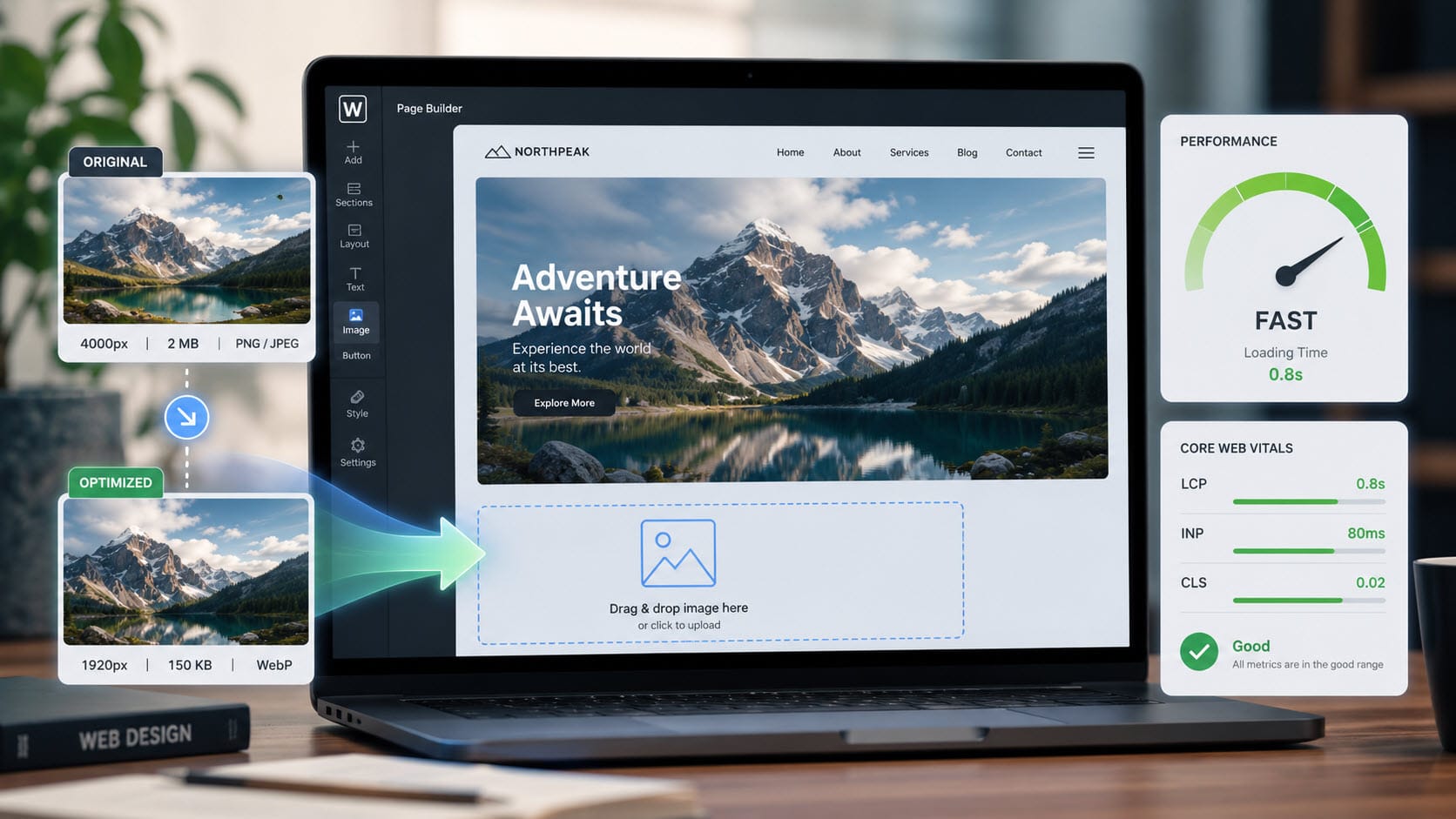
If you take one thing away, make it this: build at 360 pixels first, then let the layout grow. That single width covers the largest slice of real mobile visitors, and a design that holds together there will scale up far more gracefully than a desktop design crammed down. Confirm your breakpoints against your own GA4 device data, lean on the standard 768 / 1024 / 1280 ladder for structure, and reach for container queries when a component needs to govern itself. The screen size to design for was never one number. It is a short, deliberate set of widths anchored to where your visitors actually are. For the next step, the heavy hero images you drop into those layouts are usually the real performance problem, and rightsizing them is the fastest speed win you can make.
Sources
- Statcounter, Desktop vs Mobile vs Tablet Market Share Worldwide
- Statcounter, Screen Resolution Stats Worldwide
- Statcounter, Mobile Screen Resolution Stats Worldwide
- BrowserStack, Breakpoints for Responsive Web Design in 2025
- Phone Simulator, Most Popular Mobile Screen Resolutions in 2026
- Tailwind CSS, Responsive Design Documentation
- Bootstrap 5, Breakpoints Documentation
- MDN Web Docs,


0 Comments