
The Gist
- Divi is SEO friendly. The theme outputs clean, valid HTML, gives you full control over headings and responsive layouts, and does nothing that holds rankings back.
- Divi 5 made the SEO case much stronger. The rebuilt framework cut frontend CSS by 94% (860 KB down to 54 KB) and JavaScript by roughly 84% (276 KB down to 45 KB), which directly helps Core Web Vitals.
- Use a real SEO plugin. Divi's built-in SEO tab covers the basics, but Rank Math, Yoast, or AIOSEO handle schema, sitemaps, and per-page meta far better. Turn the built-in tab off when you run a plugin.
- The theme is not the whole story. Hosting, image sizes, caching, and content quality decide rankings more than the theme name on the install screen.
- Best SEO theme depends on the job. GeneratePress and Astra win on raw lightness. Divi 5 wins when you also want a visual builder, and the performance gap has closed enough that it is a real contender.
Why Divi SEO Comes Up So Often
For years, the loudest knock against Divi was speed, and speed feeds search rankings. Google confirmed Core Web Vitals as a page experience signal, with a Largest Contentful Paint target of 2.5 seconds and a Cumulative Layout Shift score under 0.1. According to Google Search Central, those metrics act as comparative signals that decide rankings when pages are otherwise similar. So the Divi SEO question is real. Does a page builder this heavy cost you positions in search? Divi 5 changed the answer, and this post walks through what the theme does well, how to configure it, and how it stacks up against the lightweight competition.
Divi and Search Rankings: Is the Theme SEO Friendly?
Yes, the Divi theme is SEO friendly, and it does not hurt your rankings on its own. Divi outputs clean, valid HTML, lets you set proper heading hierarchy, and gives you per-device responsive controls, which are the structural things search engines actually read. According to Crocoblock's Divi SEO review, Divi itself does not harm SEO and ships with a solid set of SEO-friendly features. The old worry about whether the Divi theme is good for search was always less about the theme and more about how heavy a builder-made page could get.
Here's the thing. Divi 5 fixed the part that mattered. The rebuilt framework replaced the legacy shortcode system with modern block-based storage, and the payload dropped hard. According to Pee-Aye Creative, Divi cut frontend CSS by 94%, from 860 KB down to 54 KB, and trimmed JavaScript substantially through a system that only loads code for the modules a page actually uses. In Divi 5 specifically, the JavaScript bundle fell from 276 KB to 45 KB. According to Mallorca Graphics, Divi 5 sites can reach Largest Contentful Paint under 2.5 seconds and score in the high 90s on PageSpeed Insights.
So is Divi SEO friendly in practice? Yes, with a caveat that applies to every page builder. A bloated page with twelve unoptimized hero images will lose to a lean page no matter what theme built it. The theme gives you a fair starting line. Your content and your media decide the race. If you want the full picture on the rebuild, I covered it in detail in my honest Divi 5 review.
Configuring SEO Settings in Divi
You edit SEO in Divi from the Theme Options SEO tab, found at Divi > Theme Options > SEO in your WordPress dashboard. According to Elegant Themes documentation, that tab splits into three areas: Homepage SEO, Single Post Page SEO, and Index Page SEO. Each one lets you control the site title and tagline, meta descriptions, meta keywords, canonical URLs, and the separator character used in titles. That is how to edit SEO with Divi using only the theme, no plugin required.
The honest read is that the built-in Divi SEO tab is fine for a simple brochure site and not much more. It does not generate XML sitemaps, it does not write schema markup, and it does not give you the per-keyword scoring or content analysis that a dedicated plugin does. According to DiviGear, Divi's in-built SEO functionality is limited once you consider everything that actually moves rankings.
My recommendation for any client site is to install a real SEO plugin and leave the Divi SEO tab disabled. Rank Math, Yoast, and AIOSEO all integrate cleanly with Divi. Rank Math in particular is the plugin Elegant Themes recommends, with documented Divi integration. The one rule that trips people up: if you run a plugin, turn off Divi's built-in SEO settings. Running both produces duplicate meta tags and conflicting canonical URLs, which is worse than running neither.
Beyond the settings tab, the SEO work in Divi is the same as any WordPress site. Set one H1 per page, keep your heading order logical, write descriptive image filenames and alt text, and watch your page weight. The Divi 5 Visual Builder makes heading levels easy to assign per module, so there is no excuse for a page full of styled-up paragraph text pretending to be headings. If you want a full content workflow, I wrote a complete guide to creating blog posts that get found online that covers the on-page side.
Picking the Best WordPress Theme for SEO
The best WordPress theme for SEO is the lightest one that still lets you build what you need, and for raw speed that is usually GeneratePress or Astra. According to WP Rocket, GeneratePress ships a base size under 30 KB with consistent 95-plus PageSpeed scores, and Astra weighs about 45 KB with sub-second load times across more than 1.5 million installs. If a search query is "which WordPress theme is best for SEO," those two are the textbook answers, and they earn it.
But that comparison is not apples to apples. GeneratePress and Astra are minimal frameworks. You build pages with a separate page builder or with the block editor. Divi is a theme and a visual builder in one product. The right question is not "what is the absolute lightest theme" but "what is the lightest theme that does the job I need." A small business owner who wants to edit pages visually is not going to be happy hand-coding in GeneratePress.
Here is where Divi 5 changes the conversation. The performance gap that used to disqualify Divi from any "best SEO theme" list has narrowed sharply. With CSS down 94% and JavaScript loading only per-module, a well-built Divi 5 page is no longer the anchor it once was. The table below sets the tradeoff out plainly.
| Theme | Approx. base weight | Visual builder included | Best fit |
|---|---|---|---|
| GeneratePress | Under 30 KB | No | Developers who want maximum control and speed |
| Astra | About 45 KB | No (pairs with a builder) | Fast sites built with the block editor or a separate builder |
| Divi 5 | Heavier, but per-page CSS down to ~54 KB | Yes | Owners and agencies who want visual editing without a separate builder |
My take after running Divi on more than 30 client sites: if you need a visual builder, Divi 5 is now a legitimate choice for an SEO-conscious build, where Divi 4 made me hesitate. If you do not need a builder and you want the lightest possible foundation, GeneratePress is hard to beat. Either way, the theme is one input. Get the rest right and the theme name stops being the deciding factor. For a head start on the technical checks, my roundup of free browser-based tools every WordPress site owner should know about covers the speed and SEO checkers I actually use.
Frequently Asked Questions
Does Divi slow down my website?
Divi 5 is much lighter than older versions, with CSS cut by 94% and JavaScript loaded only for the modules a page uses. A page can still be slow if it carries oversized images or skips caching, but the theme itself is no longer the bottleneck it once was.
Do I need an SEO plugin if I use Divi?
For anything beyond a simple brochure site, yes. Divi's built-in SEO tab handles titles, descriptions, and canonical URLs but does not produce XML sitemaps or schema markup. Pair Divi with Rank Math, Yoast, or AIOSEO and disable the built-in tab to avoid duplicate meta tags.
Is Divi good for Core Web Vitals?
Divi 5 can hit strong Core Web Vitals scores, including Largest Contentful Paint under 2.5 seconds, because of its rebuilt asset loading. Hitting those numbers still depends on good hosting, image optimization, and a caching layer.
Should I switch themes just for SEO?
Rarely. A theme switch is a large project with real risk, and the theme is only one ranking input. Fix hosting, images, caching, and content first. Switch themes only when the current one genuinely blocks performance or you are rebuilding anyway.
The Bottom Line on Divi SEO
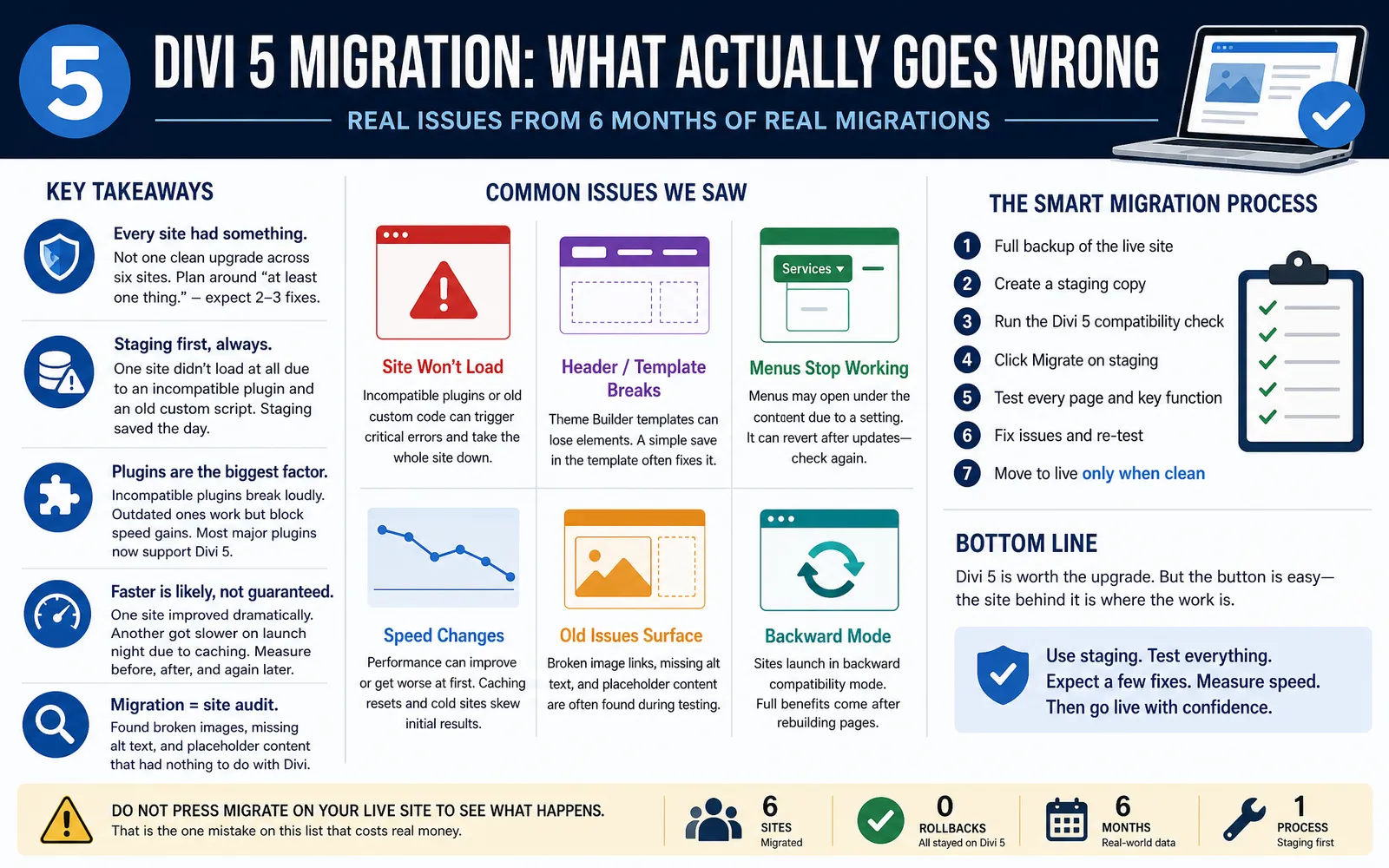
Divi is SEO friendly, and Divi 5 made that an easy call rather than a hedged one. The theme outputs clean code, gives you the structural control search engines want, and the rebuilt framework removed the performance penalty that used to be the real complaint. Configure SEO with a dedicated plugin, keep your images and hosting in shape, and the theme stops being the thing that decides your rankings. If you are still on Divi 4, the performance side alone is a strong reason to plan the move. Start with my walkthrough on how to get Divi 5 and run a staging copy before you touch production.
Sources
- Google Search Central - Core Web Vitals metrics, targets, and their role as a ranking signal
- Crocoblock - Divi SEO review confirming Divi does not harm rankings
- Pee-Aye Creative - Divi performance update, the 94% CSS reduction and JavaScript figures
- Mallorca Graphics - Divi 5 Core Web Vitals and PageSpeed performance in real builds
- Elegant Themes Documentation - Official Divi Theme Options SEO tab settings
- DiviGear - Analysis of the limits of Divi's built-in SEO features
- WP Rocket - Fastest WordPress themes, GeneratePress and Astra base weights and scores


0 Comments