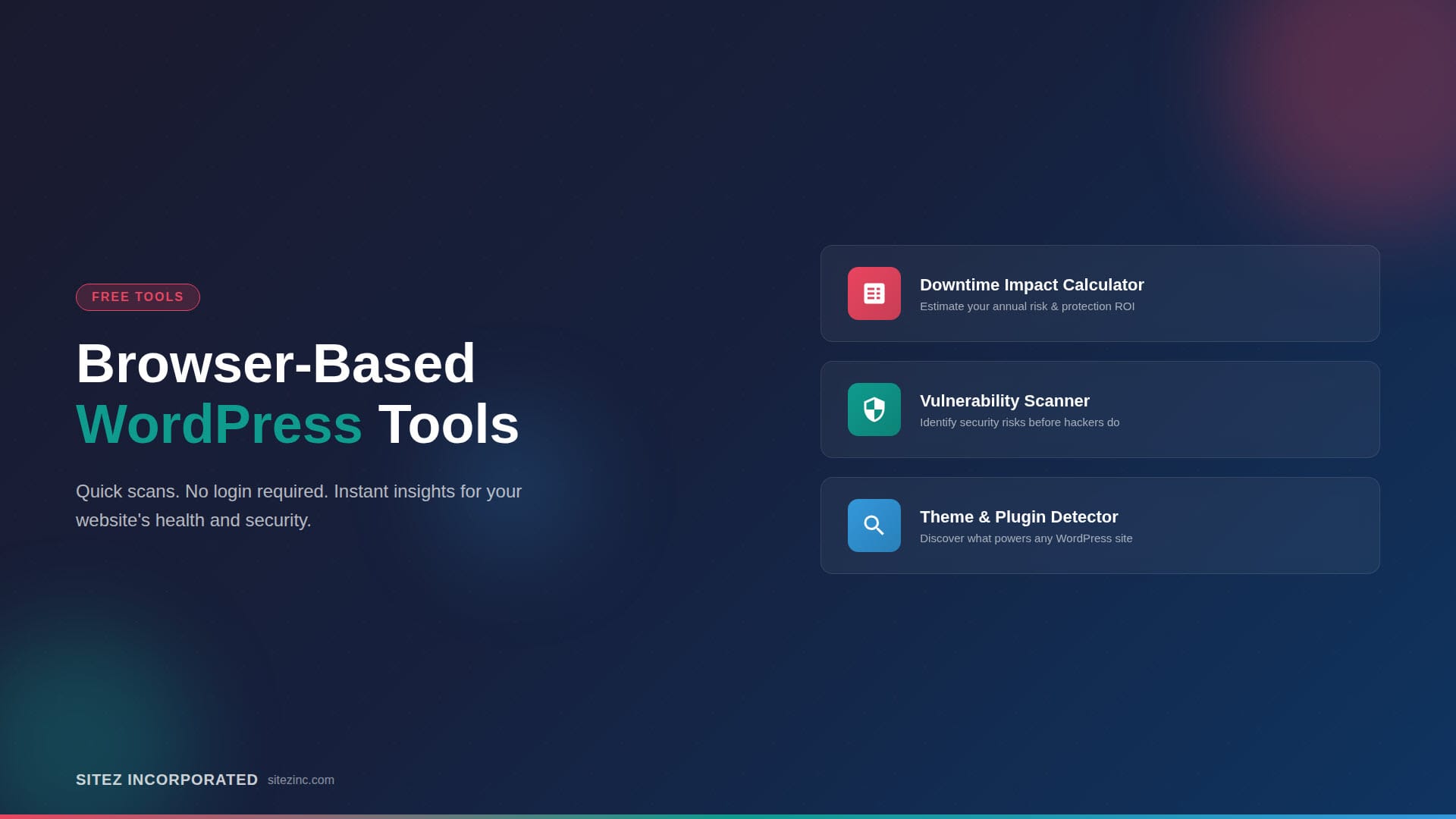
You can check how a WordPress site is built and how well it is protected without logging in or installing anything. These tools run real time scans on public information alone. Here is what each one does, including a calculator for what downtime and malware would actually cost your business.
Monitoring
Uptime, alerts, backups, and performance tracking: catching problems on a WordPress site before a visitor ever notices them.
Why Every Website Needs Uptime Monitoring (And the Tool That Makes It Easy)
Slowdowns start quietly, security risks build over time, and backups go stale long before anyone notices. Monitoring watches your site every minute instead of only when you happen to check it. Here is why that matters for a small business, and the tool I set up for clients.
WP Remote by BlogVault: A Comprehensive Review for WordPress Site Management
As a WordPress developer, I rely on WP Remote by BlogVault to manage multiple sites effortlessly. Its intuitive platform simplifies updates, malware scans, and automated client reports, saving me time while keeping sites secure and clients informed. Discover why I trust WP Remote in my full review!
Post Search
Follow Us
Feel free to follow us on social media for the latest news and more inspiration.